

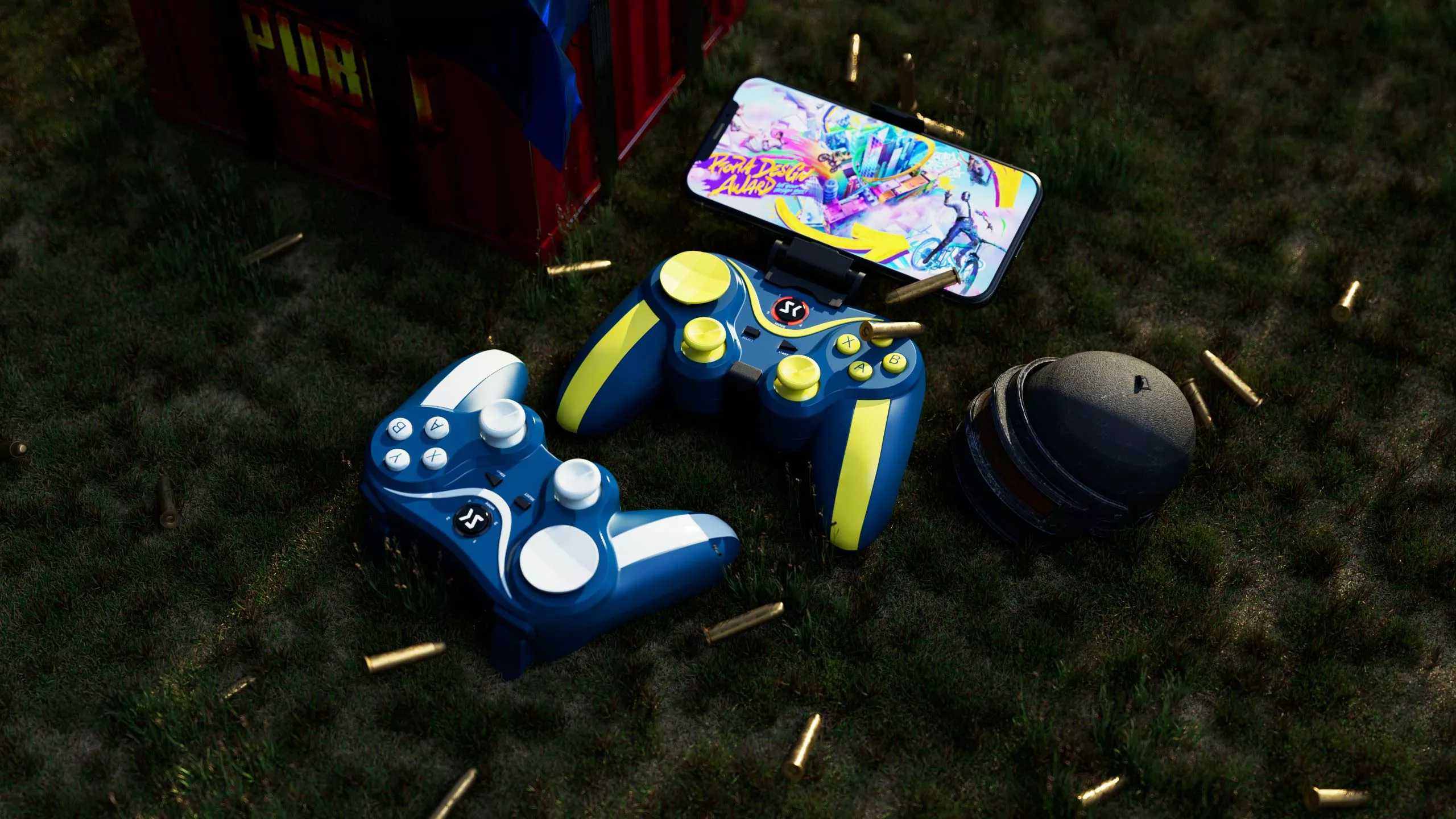
Product Details

Technical Specifications
| Product Name | S-AG25 |
|---|---|
| Battery Capacity | 400mAh |
| BT Distance | <8m |
| Support System | Windows (7/8.1/10/11) Android 8.0 above iOS 13 above |
| Support Console | Switch/PS3/PS4/Smart TV |
| Trigger | Analog triggers |
| Joystick | Analog Stick |
| Controller size | - Length: 150 mm / 5.9 inch - Height: 95 mm / 3.7 inch - Width: 60 mm / 2.4 inch |
| Controller weight | 200g / 0.44 lb |
| USB Cable | 0.8 m / 2.6 ft USB micro to USB A |
| Color | Yellow White |
Connect Devices
| Connection Methods | Combination keys | LED indicator | BT Name |
|---|---|---|---|
| Android System | “A”+“MODE” | LED 1 Flashes | SK-AG25 |
| iOS System with BT | "Y"+"MODE" | LED 2 Flashes | SK-AG25 |
| iOS MFi | "B"+"MODE" | LED 4 Flashes | SK-AG25 |
| PS3/PS4 | When you use it for the first time, please use the USB cable to connect to the console. | Indicator light is always on | |
| SWITCH | “R2”+“MODE” | Indicator light is always on | |
| PC Windows/Smart TV/TV box with 2.4Ghz | “L1”+“MODE” | LED1+LED2 Flashes |
How to connect PS3/PS4?
PS3/PS4 console:
1. When the controller is turned off, connect the controller to the host with a USB data cable.
2. After the controller indicator is on, press the MODE button to pair it.
3. After the pairing is successful, the indicator is always on, and the data cable can be unplugged.
How to connect Nintendo Switch?
Switch console:
In the power-off state, press and hold the R2+MODE button for 2S the controller indicator flashes quickly, and at the same time turn on the switch host, find the settings – change grip on the main page, enter the host pairing mode interface, wait for the controller to pair successfully, press “B” key to exit to control the host to play the game.
How to connect iPhone/iPad?
1. When the controller is turned off, press and hold the B+MODE button for 2seconds, the LED4 light flashes quickly, and enter the lOS MFi mode.
2. Turn on the Bluetooth switch of the mobile phone, search for the”SK-AG25″ device, and click connect. After the connection is successful, the LED4 light is always on.
3.At this point you can play lOS MFi games.
4.lt is recommended to download the Shan Wan MFi app. You can download related games that support the MFi protocol gamepad in the app.
How to connect Android Device?
1. When the controller is turned off, press and hold the A+MODE button for2 seconds, the LED1 light flashes quickly, and enter the Android V3 mode.
2. Turn on the Bluetooth switch of the mobile phone, search for the device whose device name is “SK-AG25 “,and touch the screen with the device name for Bluetooth pairing. After the pairing is successful, the “LED1″light on the handle is always on.
3. After the Bluetooth pairing is successful, start the game on the mobile phone, and you can play the mobile game freely.
4. You can also download ShootingPlus V3 in the Google play to customize the button settings.
The controller has been connected, but the characters in the game cannotbe operated?
1> Please cancel the pairing, turn off the Bluetooth switch, turn on thedevice again and turn on the Bluetooth to pair again.
2> Some Android phones do not support external devices due to the deep customization of the system, resulting in the inability to control characters in the game.
What should l do if l cannot type when the phone is connected to the controller?
1> Android phone can download iFLYTEK input method, after theinstallation is successful, you can type in the game.
2> You need to long press the MODE of the handle, turn off the controller enter text, and after the input is completed, short press MODE again to automatically reconnect.
3> Apple phone typing: Press the left and right joysticks of the controller vertically in the game to type.
What should l do if the Bluetooth pairing fails?
1> Open the phone settings, turn on the bluetooth again, and then search for pairing.
2> Long press MODE to turn off the handle, and re-pair the Bluetooth.
What should I do if the controller cannot be turned on?
The battery of the controller is too low, please charge it for 15~30minutes before turning it on.
What should I do if the controller cannot be turned off?
There is a small hole in the upper right corner of the back of the controller. Use a toothpick to poke the reset switch in the hole. After there set is successful, the light will turn off.