

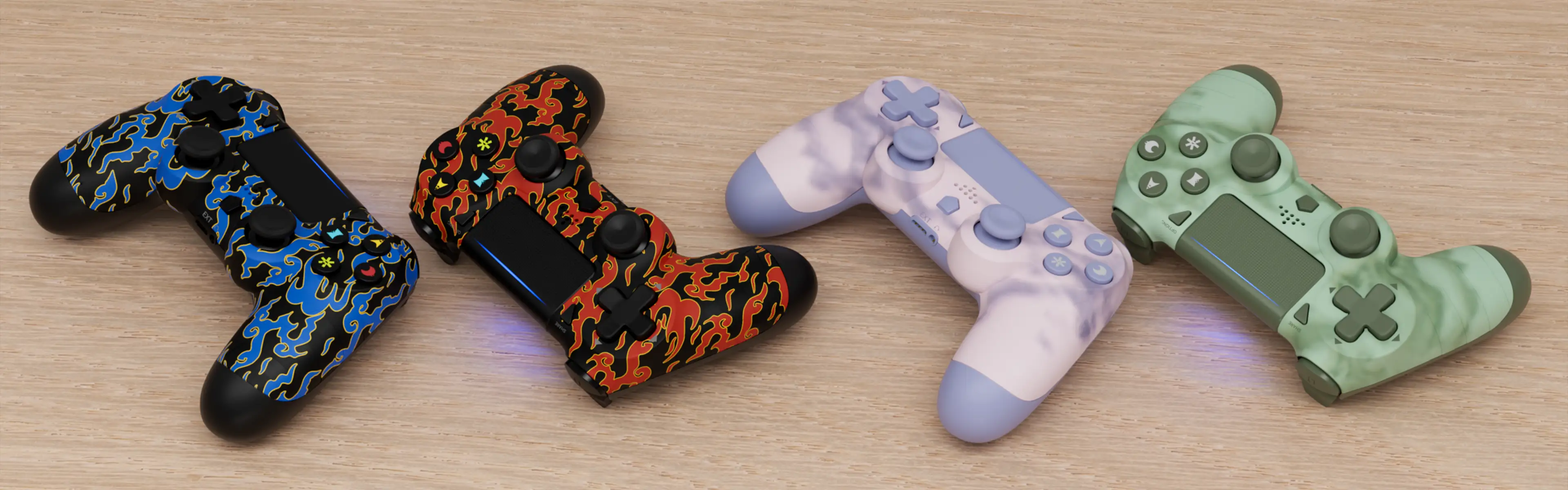

Controller upgrade
If you encounter an inability to connect to your PS4 console or a system message indicating a non-official controller
For other issues, please contact our online customer service. We will reply to you within 2 hours.
Upgrade program usage instructions:
- Download and extract the zip file on Windows to obtain the .exe file.
- Connect the controller to your Windows PC using a USB cable. Please use the USB port on your PC motherboard; do not use a passive docking station.
- Open the .exe program and click “Upgrade”.
- The program will automatically recognize the controller and complete the upgrade.