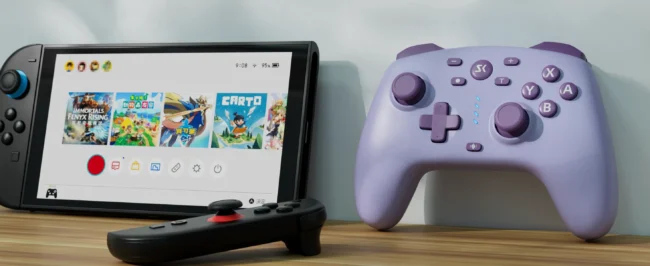
wireless third party Nintendo Switch 2 controller next to console setup

How to Upgrade Third-Party Switch Controllers for Switch 2 (With One-Key Wake Up)

How to Upgrade Third-Party Switch Controllers for Switch 2 (With One-Key Wake Up) The next generation of gaming is here with the Nintendo Switch 2. While the new console brings stunning performance upgrades, many players face a frustrating technical hurdle: third-party controller compatibility. The most common issue? Missing out on the One-Key Wake Up function—the…
Pro Controller -AG46

AG46 upgrade – v2.07 Added support for waking up the Switch 2 console with a single button press. https://youtu.be/BqhSJ6E_d-U AG46 upgrade – v2.06 The following upgrade procedure enables the AG46 macro button to loop playback; it can be achieved with a simple combination of buttons. https://youtu.be/iQzn2AqaJ2Q

Master Series -AG43

How to connect to Tesla Arcade? You can connect to Tesla Arcade in two ways, depending on your Tesla vehicle system. Generally, newer versions of the system support Bluetooth connectivity. Connecting via 2.4G Receiver: 1. Plug the included 2.4G receiver into the USB port, then press and hold the button on the receiver until the…

Agent Controller-AG38

How to turn on/off ? The controller will start when you press the HOME button or connect to computer by USB cable. lf it cannot stop, After working for a long time, please plug the USB cable into the computer and then pull it out, thus it will be power off. Please disconnect when stop…

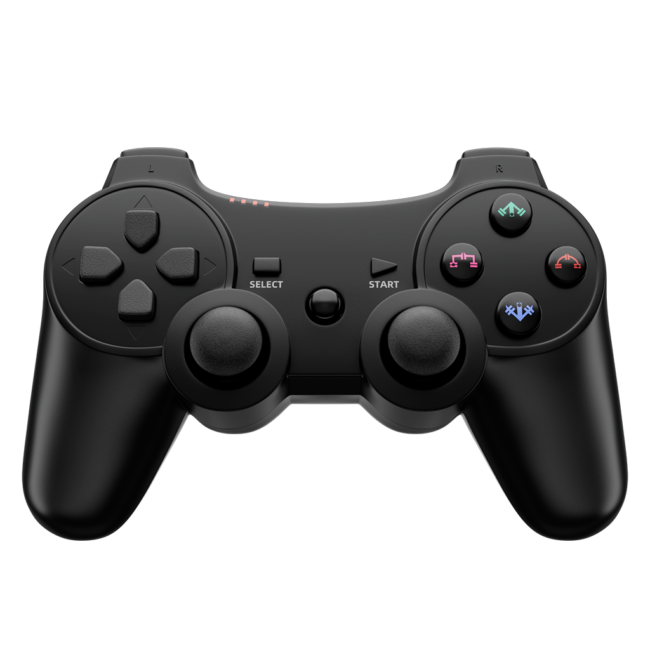
Wireless Controller -PS305

PS3 controller connects to iOS or Android Please note the differences between the new and old versions. The new version uses “START” + “HOME” to activate wireless pairing; the old version uses “R2” + “HOME” to activate wireless pairing. If you find that one of them does not work, please try the other method. How…

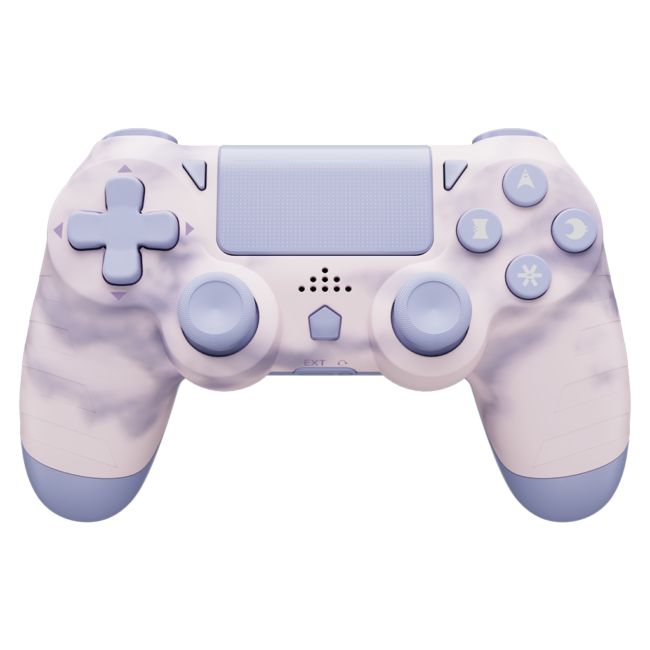
Wireless Controller -PS414

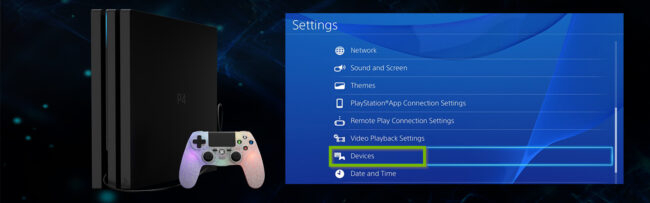
Controller upgrade If you encounter an inability to connect to your PS4 console or a system message indicating a non-official controller For other issues, please contact our online customer service. We will reply to you within 2 hours. Upgrade program usage instructions: Download and extract the zip file on Windows to obtain the .exe file.…